My stack
A non-exhaustive list of things and apps that I use on a regular basis.
Hardware
- Laptop:
MacBook Pro (15-inch, Intel, 2018).Gave it to my father.- I don’t have a laptop currently. PC isn’t portable, but it’s enough
- PC:
- AMD Ryzen 7 5800x3D, Nvidia 3070Ti, 16GB RAM.
- Windows 11 Pro +
UbuntuArch Linux via WSL2 is enough for most things. - Should probably try the atomic Fedora distros though.
- Phone: OnePlus 13 (16GB).
- Tablet:
- iPad Mini 5 (2019), 64GB - Primary reading device for web novels, PDFs & stuff.
EyingGot the 16GB Kindle Paperwhite!but may not have the time for it.
- External Monitor:
- LG 32GK650F-B (32inch, 1440p, 144Hz)
- I prefer a single large monitor. If I had the budget when I bought this, I would pick a larger ultrawide.
- Audio:
- Over-ears: Sennheiser HD560s. My first and only audiophile-grade open-back headphones!
- IEMs (w/o mic): Truthear Hexa & Kiwi Cadenza. I like the Hexa more, but the Cadenza is a good, bassier backup.
- Earphones (w/ mic): Sony XB55AP. My third pair of these, pretty good but a little too much bass for me and I keep breaking them.
- Speakers: Creative Pebble 3.0 speakers. Generic, but decent enough for casual YouTube sessions.
- Keyboard:
- Ducky One 2 SF (Black), with Cherry MX Speed Silver switches. They’re really nice.
- Really tempted for the Ducky Miya Pro Koi/Panda/Sakura collection, even though they don’t come with Silver switches and are almost never in stock. Get them instead if can grab one.
- Mouse:
- Logitech G502 Hero. It’s fine I guess?
- Previously: RedGear Thor, RedGear Leviathon. Good for large hands, have lasted me 6 years before getting the buttons stuck.
- Game Controller: PowerA Elite Wireless. It’s nice enough. None of these are durable though.
Software
- Editors:
- VSCode, as a sort of IDE.
- Sublime Text 3, go-to choice for experiments, non-projects.
- Vim for short & sweet edits. I barely know the basics, but I’ve gotten better at it. Trying Neovim more actively, but it’s a rocky road.
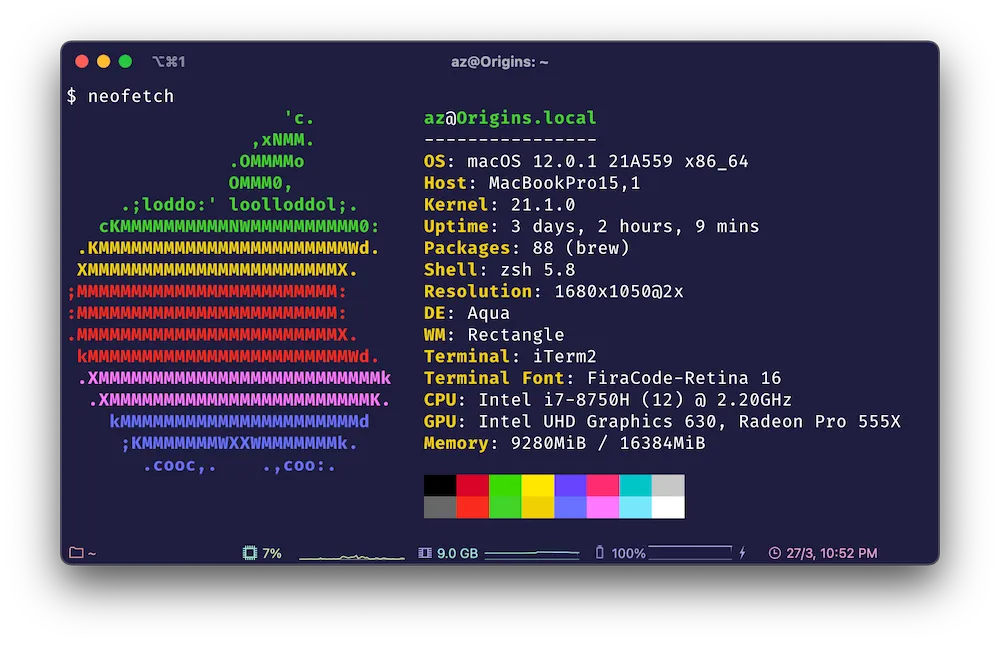
- Terminal: iTerm2 (macOS) or Windows Terminal, with Oh My Zsh + starship.rs, using the
pureprompt. - Themes: Switching between: Darker Dracula / tokyo-dark / Material Theme Ocean / poimandres / rosepine. There is no god.
- Code Fonts:
- JetBrains Mono.
- IBM Plex Mono, with ligatures patched in (Ligalex Mono / Blex Nerd Mono).
- Browsers on Mac/iPadOS:
- Primary: Safari. Safari has way better battery life.
- Secondary: Firefox Dev, Brave.
- Browsers on Windows (Work):
- Primary: Brave.
- Secondary: Firefox Dev, Edge, Chrome.
- Browsers on Windows (Personal):
- Primary: Firefox Dev, because its YouTube PiP player is awesome.
- Secondary: Helium.
- Browsers on Android:
- Primary: Brave.
- Secondary: Firefox, for TamperMonkey support.
- Designing: Usually, I prefer pen and paper. Used Adobe XD, when it was free without trial. A little bit of Figma just so that I can join the cool gang.
- Apps:
- Espanso: For text expansion. Very useful now in an LLM world.
- Password manager:
LastPass (paid)Dashlane (paid)Bitwarden. - 2FA:
Twilio AuthyEnte Auth. - Notes: Google Keep &
TrelloNotionObsidian. - Reading:
PocketReadwise Reader (paid) & Amazon Kindle. - See “App Defaults” for more.
Visit here to see what’s all the fuss about.